Your own API keys, and one Providers page
QuorX now takes your own keys for OpenAI, Anthropic, Google Gemini, Moonshot Kimi and Meta, plus Command Code, Ollama and OpenCode Go. Every provider has its own page in Settings → Providers, with its models, prices, spend and a test.
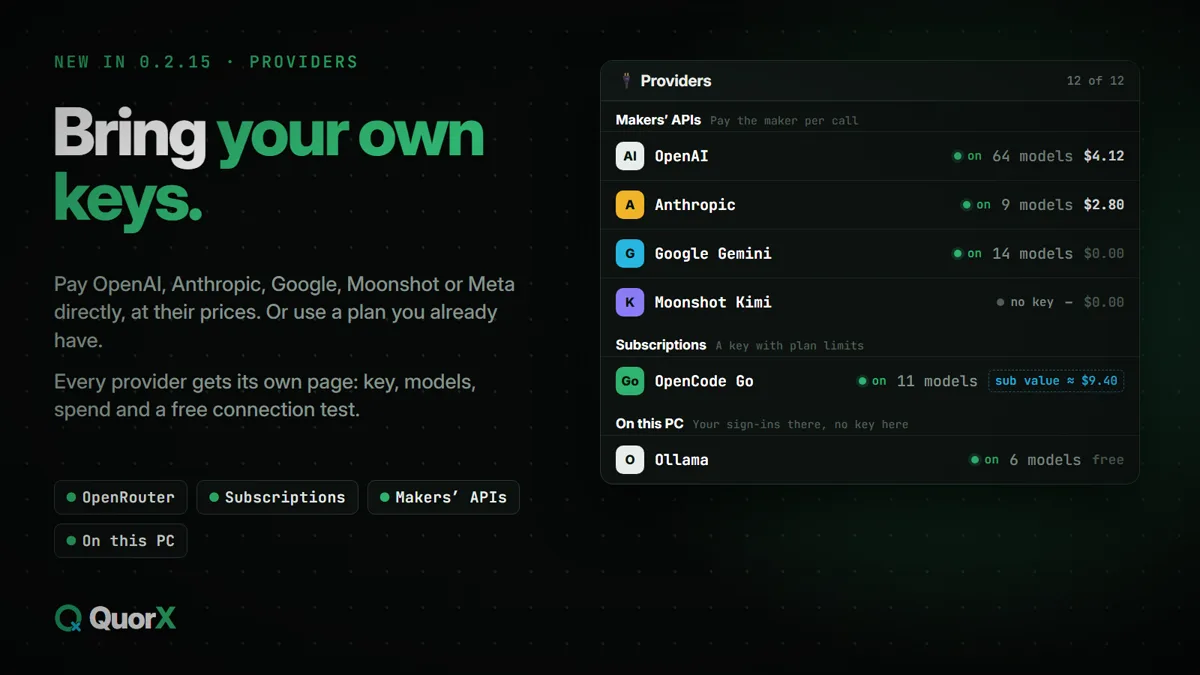
QuorX used to reach most models through one OpenRouter key. It still does, but now you can also pay a model's maker directly with your own key, use a subscription you already have, or run models on your PC. Every option is on one page: ⚙ Settings → 🔌 Providers.
Four kinds of provider
| Tab | What it is | Who you pay |
|---|---|---|
| OpenRouter | One key, hundreds of models from every maker | OpenRouter, per call |
| Subscriptions | A key with plan limits: OpenCode Go, Command Code | Your plan |
| Makers' APIs | OpenAI, Anthropic, Google Gemini, Moonshot Kimi, Meta | The maker, per call |
| On this PC | OpenCode, Claude Code, Grok Build and Ollama on this computer | Your sign-ins there; Ollama's own models are free |
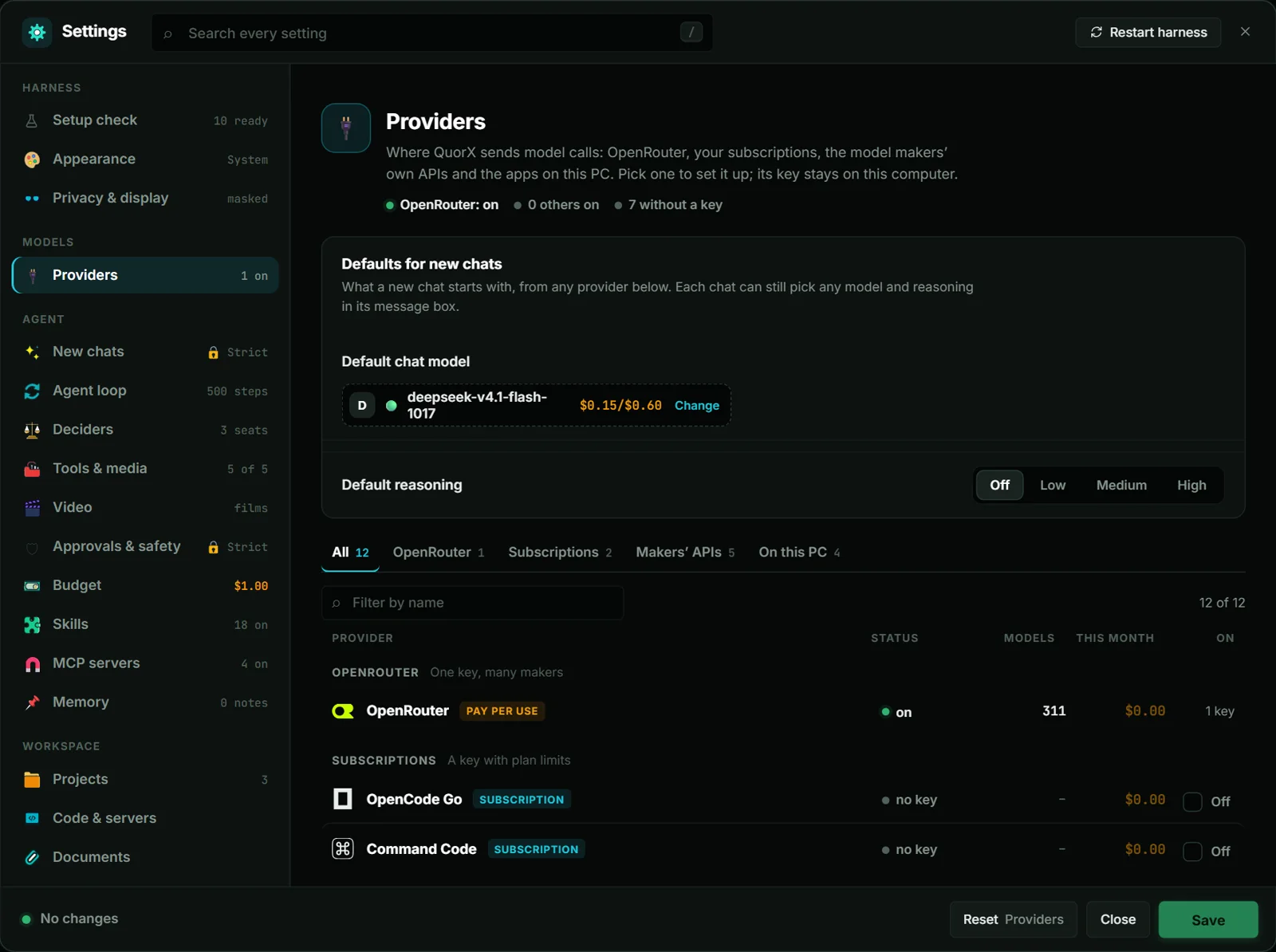
Each row shows whether the provider is on, how many models it brings and what you spent with it this month. Search by name, or pick a tab to see one kind.
Add your own key
- Open ⚙ Settings → 🔌 Providers and pick the maker, for example OpenAI.
- Press Get a key if you need one, paste it into the box and press Save key.
- Tick On in its row. Its models now show in every model picker, with the maker's own prices.
The key stays on this computer. It shows masked, with Remove beside it; a key set in an environment variable says so. Calls go straight to the maker and are billed by them at their prices, cache reads included.
Already pick that maker's models on OpenRouter? Each maker's page has a switch: OpenRouter's models run on OpenRouter or the maker's own API. Set it to the maker's API and a chat, helper or reviewer set to the same model runs on your key instead, with no change to the chat. The page also takes another address, for a proxy or a regional endpoint that speaks the same API.
A page for every provider
Pick a provider and its page opens beside the list:
- its key, or the app it runs through and how to install it;
- a Test the connection button that lists its models and costs nothing;
- what it spent: today, this month, all time, calls, its top models and the last 14 days;
- links to its website, docs and key page.
New sources in 0.2.15
| Source | What it brings |
|---|---|
| Ollama on this PC | The models you pulled into Ollama, for nothing, and Ollama's cloud models once you sign in. Only models that can call tools are listed. QuorX starts Ollama when a chat needs it, and finds it on another host or port. |
| Command Code | Your Command Code plan over its Provider API: GPT, DeepSeek, Kimi, GLM, Qwen, Claude and other models. Prices show what a call takes from your credits. |
| OpenCode Go | Your OpenCode Go subscription with your own key. Each model has 5-hour, weekly and monthly limits, and prices show what a call counts against them. |
How the apps on this PC work (OpenCode, Claude Code and Grok Build) is in Your own AI apps as the chat model. What your subscription calls would cost at list price is in Sub value.
Defaults and failures, at the top of the page
Defaults for new chats sit at the top: the default chat model, from any provider, and the default reasoning. Each chat can still pick any model in its message box.
When a call fails, the reply stops and says why, and you pick another model. QuorX switches to a fallback only if you choose one there.