Sub value: what your subscription covers
A reply on a subscription costs you nothing per call, so its price used to show as $0. Sub value now shows what those calls would have cost at list price, per call, per reply, per chat and in total, so you can see what your plan is worth.
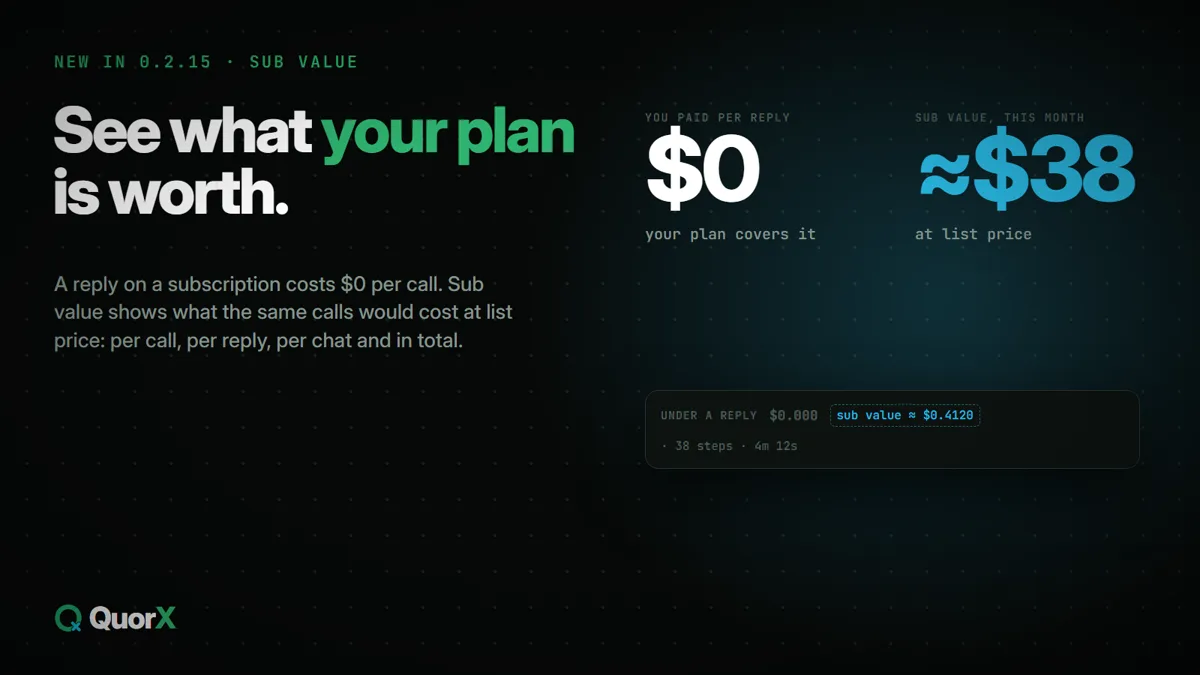
When a chat runs on a subscription, such as OpenCode Go, Claude Code or Grok Build, your plan pays and QuorX's cost badge shows $0. That's true, but it hides how much you're using. Sub value shows what the same calls would have cost at the model's list price.
It's a number to compare, not a bill: your subscription covers it, and you don't pay it per reply.
Where you see it
| Where | What it shows |
|---|---|
| Under a reply | A small sub value ≈ $… tag next to the reply's cost |
| In Steps | Each call's sub value, next to its time, tokens and price |
| The chat's cost | Click the chat's cost for its breakdown: Sub value, whole chat |
| ⚙ Settings → 📊 Usage & costs | A Sub value total next to Today, 7 days and All time |
Hover any of them for the same short explanation.
What it's good for
- Is my plan worth it? Compare a month's sub value with what the plan costs you.
- Which model to keep on the plan. A model that runs up a large sub value for small jobs may suit a cheaper plan, or a pay-per-call key, better.
- How close you are to your limits. Plans such as OpenCode Go count calls against 5-hour, weekly and monthly limits; sub value shows which chats use most of them.
Hidden like the rest of your money
Sub value is money, so it follows ⚙ Settings → 🕶 Privacy & display → Hide amounts until I click 👁, which is on by default. While it's on, the sub value tags under replies stay hidden. Turn it off to see them.
Setting up a subscription or your own key is in Your own API keys, and one Providers page.