
Change QuorX's settings from a chat
Ask the agent what a setting does, or to change it: "make the text bigger", "set this project's budget to $20", "turn off the reviewer for new chats". It finds the setting and shows the change on a card, and nothing changes until you click.
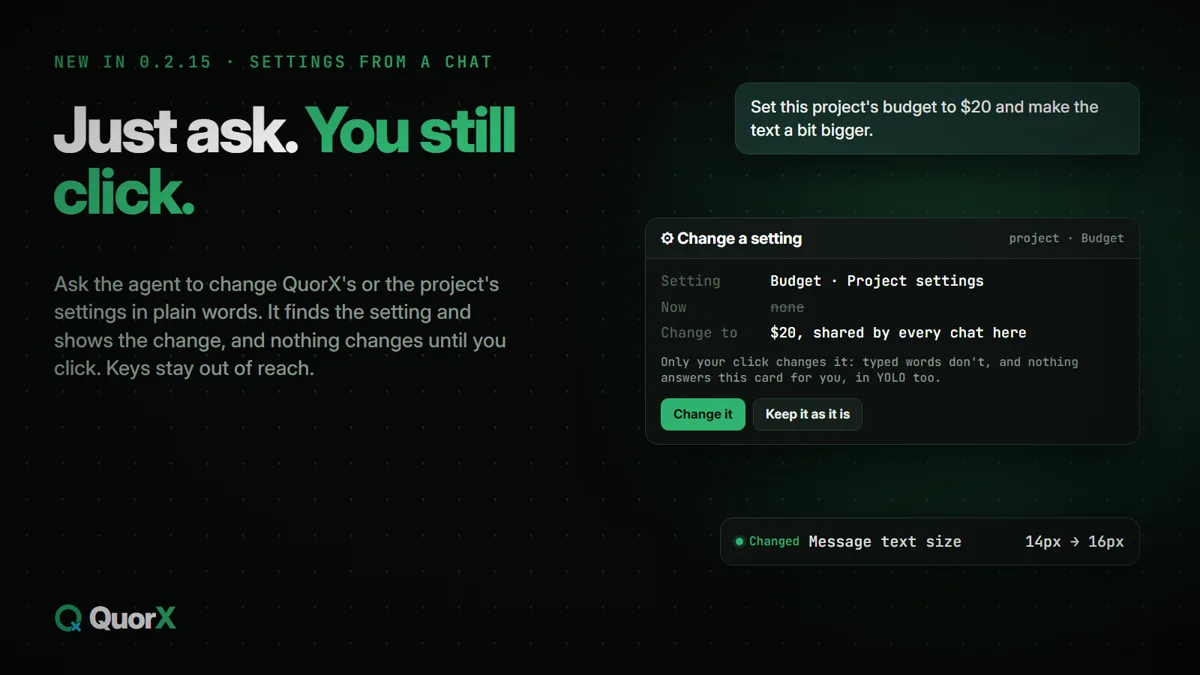
QuorX has a lot of settings. Now you can ask the agent about them in plain words, in any chat:
- "Where do I turn off notifications?"
- "Make the message text bigger and switch to the compact layout."
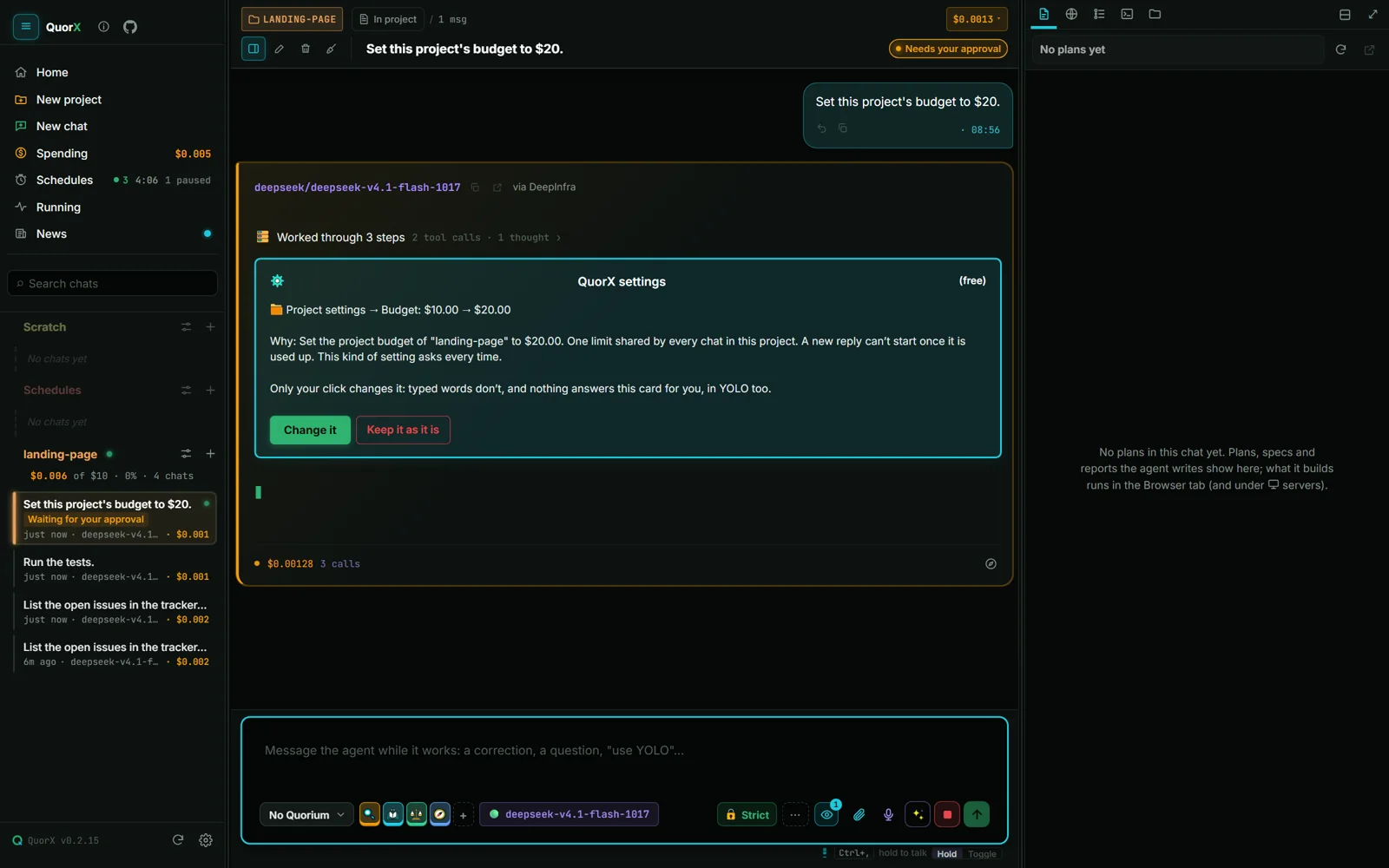
- "Set this project's budget to $20."
- "Which design systems can this project use? Pick the darkest one."
- "Add a hook that runs the tests after every file edit."
The agent reads the settings it needs, and reading costs nothing and asks nothing. To change one, it shows a card with the setting, its value now and the value it wants. Change it saves it, the way Settings' own Save would. Keep it as it is leaves it alone.
What it can change
| Where | Examples |
|---|---|
| ⚙ Settings | Appearance, notifications, privacy and display, the default model and reasoning, new chats, the agent loop, deciders, tools and media, video, code and servers, schedules, approvals and safety, budgets, MCP servers |
| This project | Its name in QuorX and colour, design system, budget, hooks, command rules, pinned or archived |
What always waits for your click
Every change waits for your click, and nothing answers that card for you, in ⚡ YOLO too. Typed words don't count as a yes.
For everyday settings (the theme, text size, the default model) the card has Allow always for this chat, so a run of small changes doesn't ask each time. Settings that guard you never get that button and ask every time: approvals and safety, budgets, what Chrome may do, MCP servers, a project's hooks and its command rules.
Keys stay out of it
The agent never reads or sets an API key, token or password. At most it sees that a key exists. You add keys yourself in ⚙ Settings → 🔌 Providers.